Product tour
One ticket, every screen
Real screens from the sample workspace: Apache Fineract, an open-source lending platform, run by three sample lenders on three different releases. No customer data.

The ticket, start to finish
What your engineers see
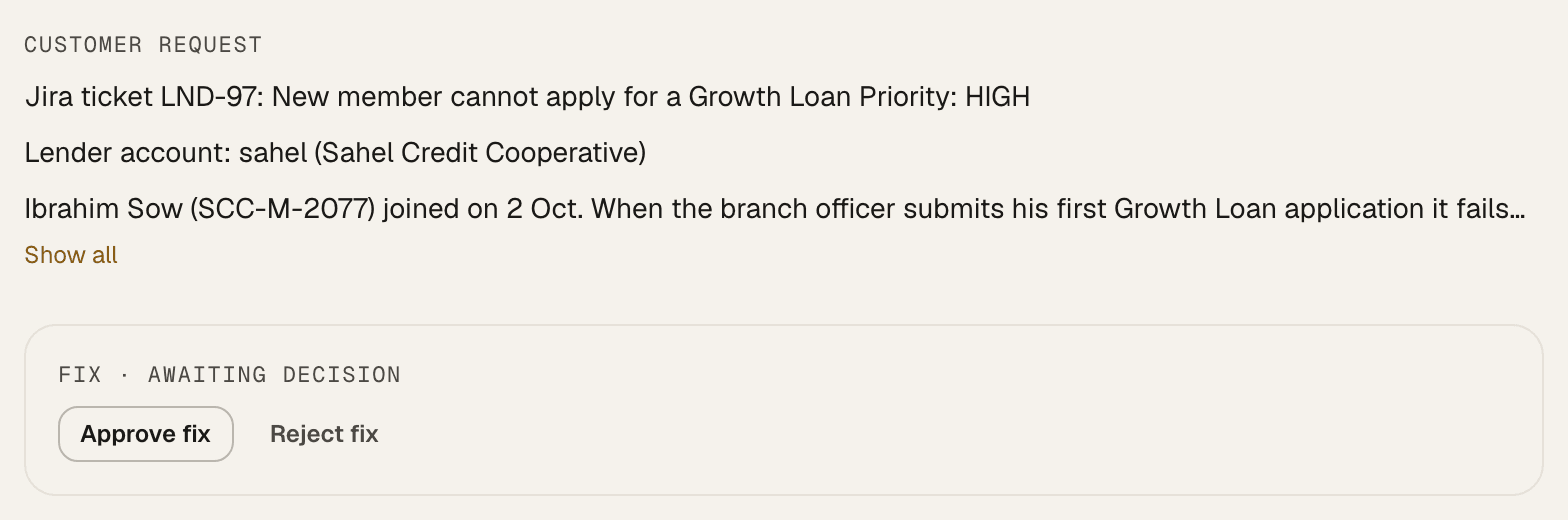
Ticket LND-97: a new member of Sahel Credit Cooperative cannot apply for a Growth Loan.
It knows which version each customer runs
One product, many customers, each on its own release. Every ticket is checked against the code that customer actually runs, not your main branch.
- Rivergate on 1.16.1, Sahel on 1.14.0, Harbor on 1.15.0
- Deployed versions come from your release pipeline
- Rivergate Financev1.16.1
- Sahel Credit Cooperativev1.14.0
- Harbor Microfinancev1.15.0
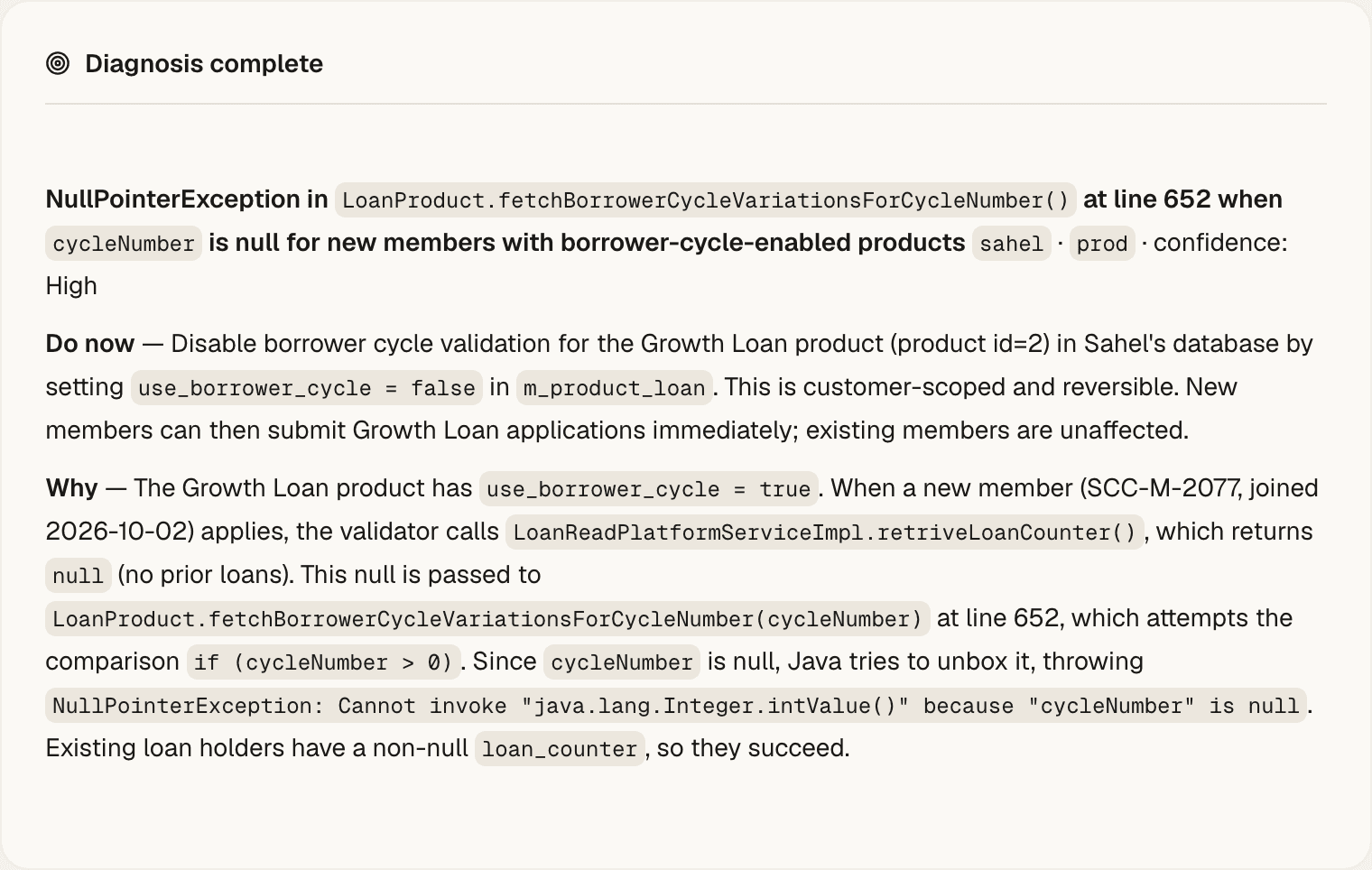
It names the cause, with the evidence
A diagnosis states the root cause, a safe way to unblock the customer today, and the longer-term fix. Each claim points to the log line, query result or line of code behind it.
- Graded high, partial or ungrounded before you see it
- Open questions listed under Unknowns, not guessed
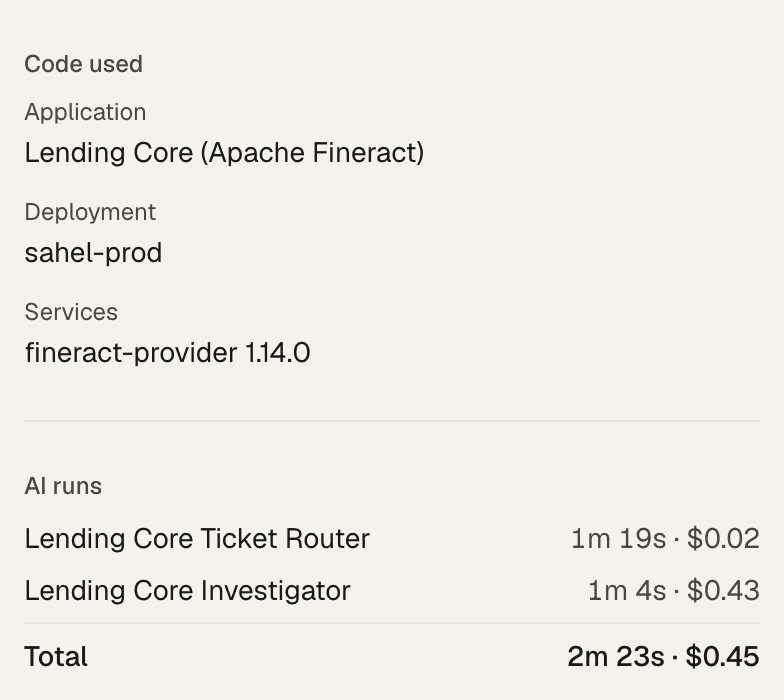
It shows the code it read
Every ticket records which application and release it was checked against, so an engineer can follow the same path.
- The release that matches this customer
- Time and cost of each run on the ticket
The fix waits for your engineer
A drafted fix is a small change against that customer’s version, explained to be easy to review. Nothing reaches your code until a person approves it.
- Approve, edit or reject
- More freedom is earned per solution and taken back in one click
Every run is on the record
How many steps it took, which tools it used, how long it ran and what it cost. The full trace of queries and file reads stays with the ticket.
- This diagnosis: 19 steps, 28 tool calls, 1 min 4 s, $0.43
lending-investigator
- Turns
- 19
- Tool calls
- 28
- Tokens
- 347.6k
- Duration
- 1m 4s
- Cost
- $0.43
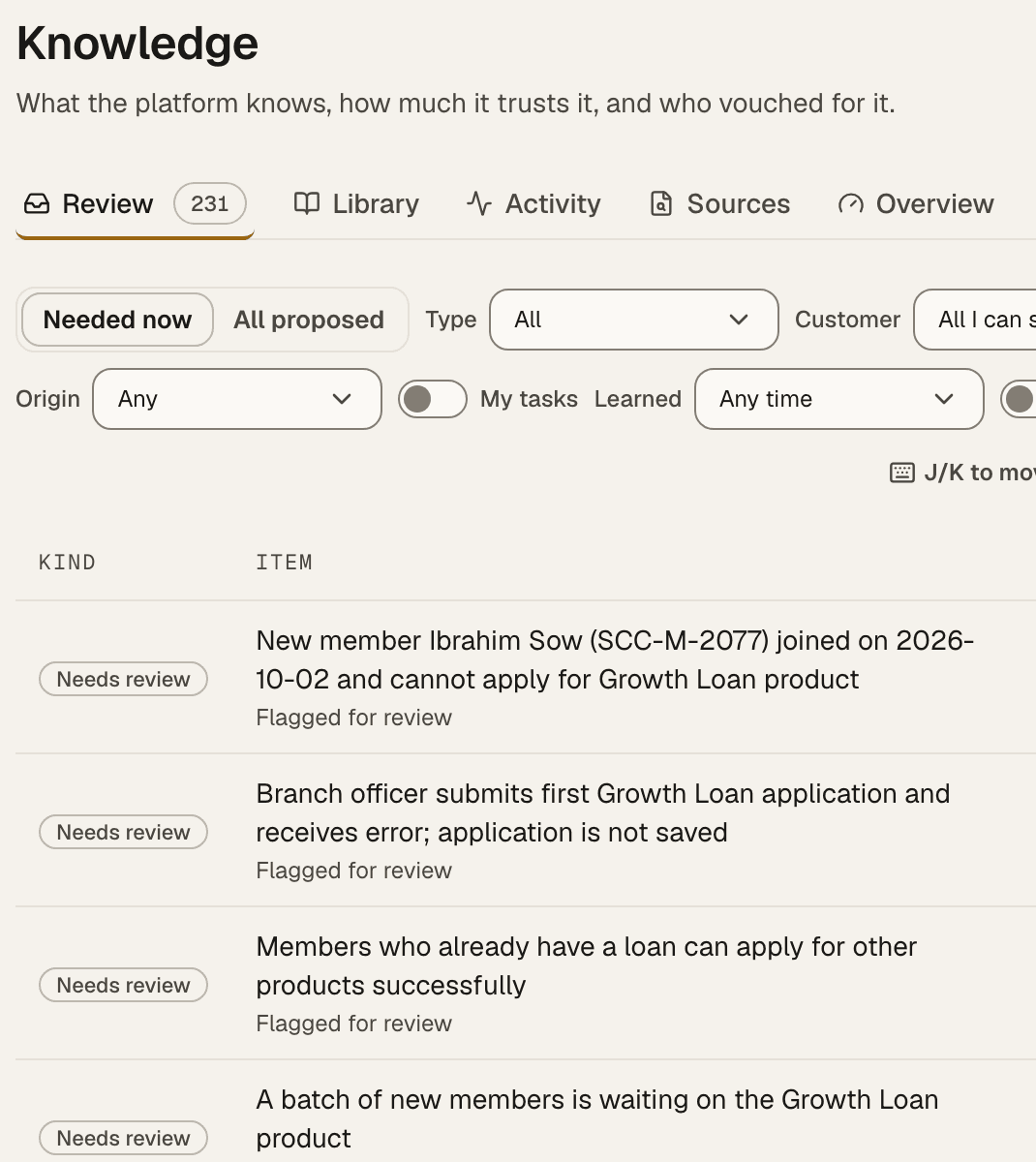
What it learns, your team confirms
Facts it picks up about a customer, such as configuration quirks or how they use a feature, wait in a review queue. Confirmed facts are used on the next ticket.
- Confirm or reject each fact
- Every resolved ticket makes the next one faster
Before you say yes
The questions every team asks
Engineering time
Do my senior engineers get their time back, and do I keep control?
BuildWright does the investigation. Your engineers review the evidence and decide. No fix reaches your code until a person approves it, and you choose which replies may go to customers on their own.
- Root cause in about 10 minutes, down from about 4 hours
- About 8 in 10 diagnoses confirmed accurate by the engineers who reviewed them
- ShadowDrafts only. Nothing posts.
- CopilotA person approves every post.
- AutopilotOnly for proven case types.
Customer support
Do customers get answers faster, without every ticket going to engineering?
Once you allow it, questions it has proven it can answer go straight back to the customer. When a customer asks for a person, the ticket waits in your support queue. Engineering gets a diagnosis on the ticket, not a cold handoff.
- Works in the ticketing tool your team already uses, such as Jira, Zendesk or Freshdesk
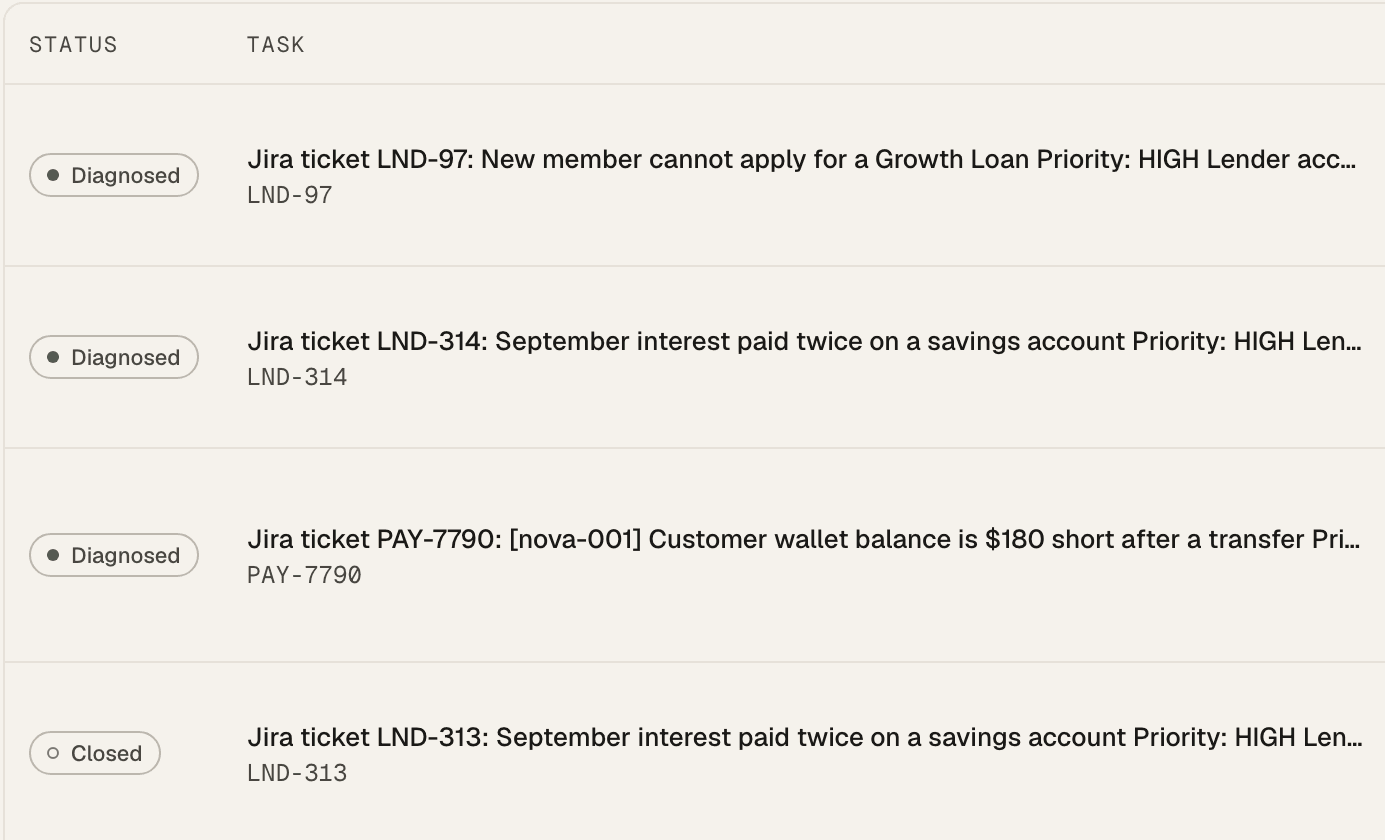
- Every ticket shows where it stands: diagnosed, waiting or closed
Security and data
What can it touch, and where does our data go?
It reads. It does not change customer data, deploy code or change production. You choose where it runs and which AI it uses.
- Read-only access to databases and logs; write access to code only for draft fix pull requests
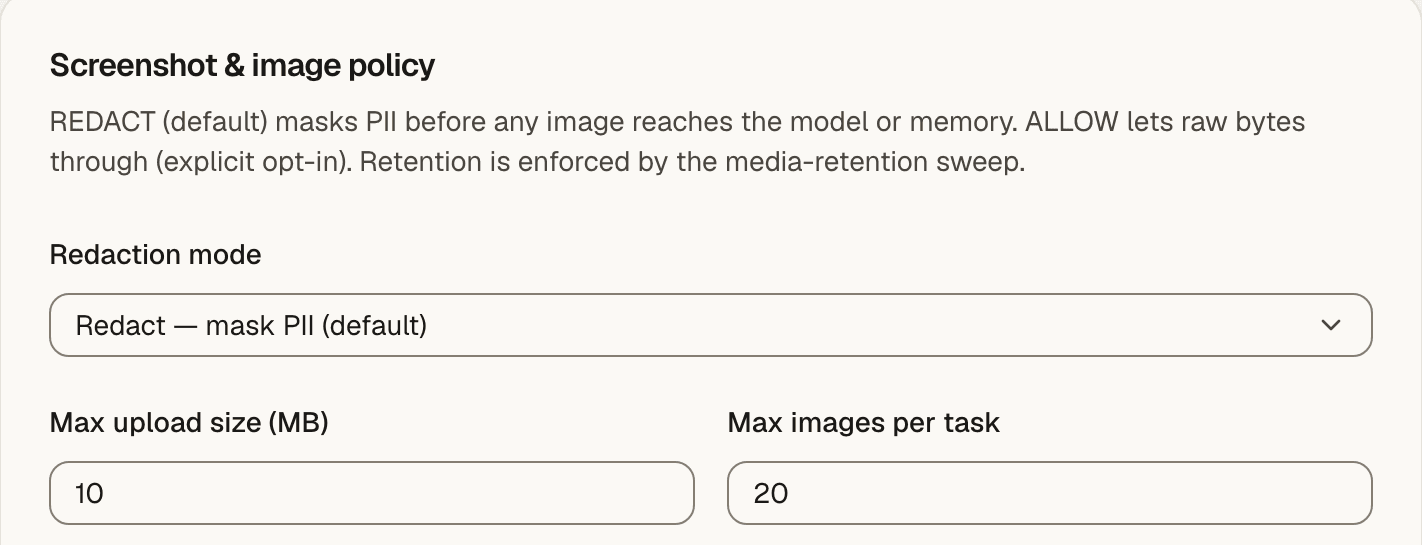
- Personal data masked before it leaves your infrastructure, including screenshots and attachments
- Runs in your own AWS, Google Cloud or Azure account, with AI on Amazon Bedrock in AWS, or Anthropic or OpenAI with your keys
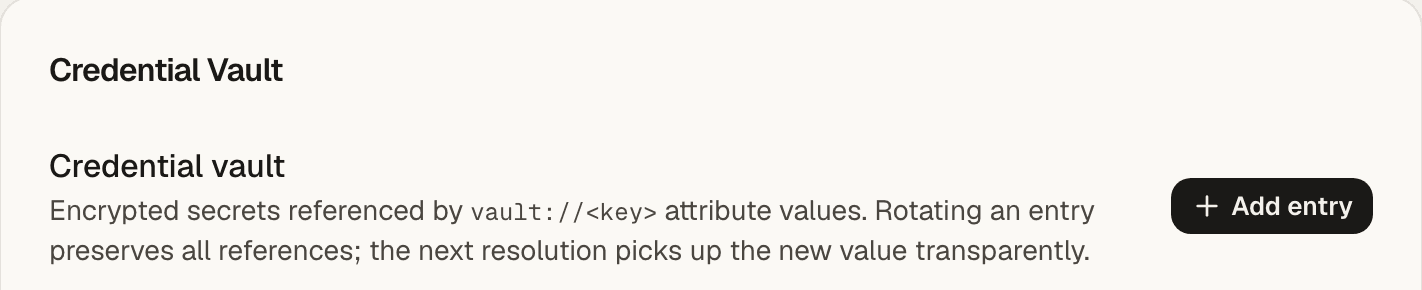
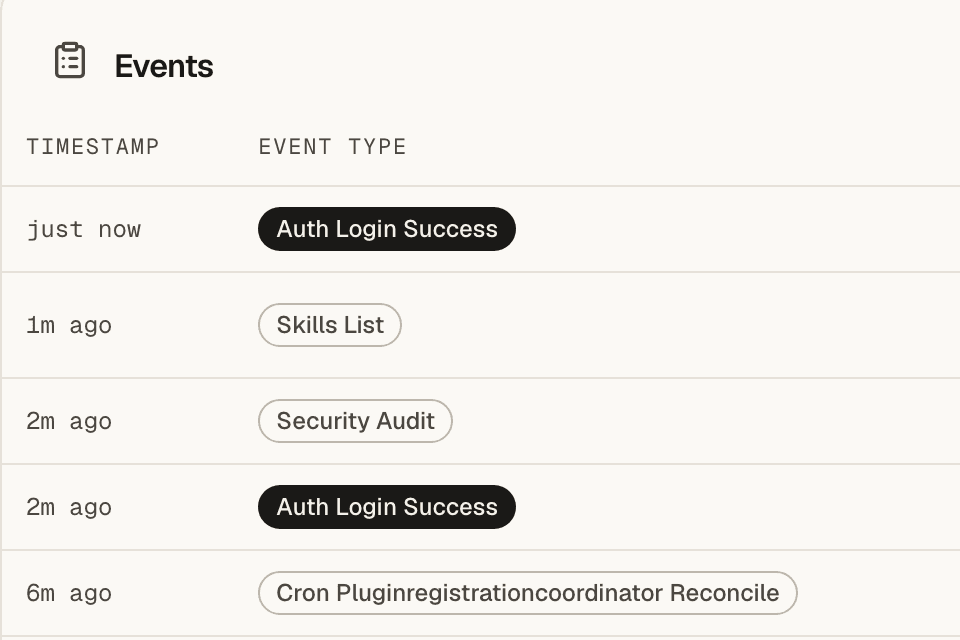
- Secrets in an AES-256-GCM encrypted vault; every action logged in an audit trail
- Your data is never used to train models. Security certification is in process
Cost and buying
What does each ticket cost, and how do we buy it?
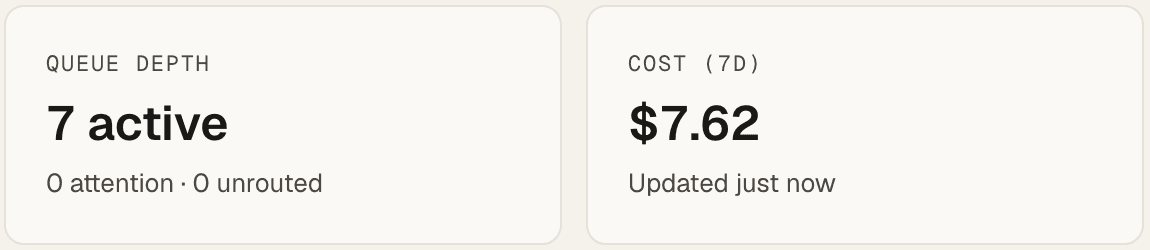
The AI cost of every run is recorded on the ticket and added up per week, so you can set it against the engineering hours it saves.
- One diagnosis in the sample workspace: 43 cents of AI
- Buy through AWS Marketplace, on your existing AWS bill (listing soon)
- Pricing is sized after the pilot, on your own ticket volume
Customers and roadmap
Will customers notice, and does the roadmap move?
Escalations get a cause in minutes instead of waiting for the one engineer who knows that corner of the code. That engineer stays on the roadmap.
- What it learns about each customer is kept, so the next ticket is faster
- Each customer is served on the release they actually run
- Manual~4 hours
- BuildWright~10 min
Build your own
Shape it to how your support works
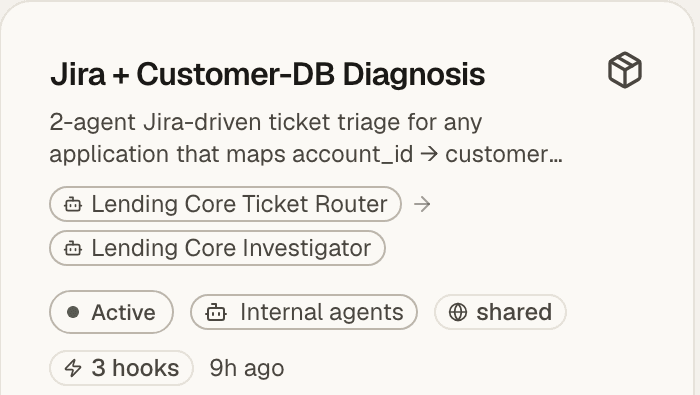
One workspace runs as many solutions as you need: one per product, team or ticket queue. Each has its own agents, skills, connections and rules, and your team adds them from the screens, without code.
- Each solution has its own agents, channels and controls, so one product or team never affects another
- Give each agent a role, instructions and limits. Preview it before it handles a real ticket

Skills for your systems
A skill teaches agents how to use a system, such as your monitoring or edge logs. Write one for a system we don’t cover yet.
Rules for every ticket
Decide what happens when a ticket arrives, a customer replies or a ticket sits idle. New rules start in Observe mode and act on nothing until you go live.
Diagnose from your coding agent
Engineers ask from the coding agent they already use. It draws on the same learnings, reads the code each customer runs, and production access stays under your central control.
We already use Claude Code, Copilot or Cursor. Why this?
Keep them. Coding agents help once an engineer knows where to look, and they remember what your team writes down about the codebase. BuildWright does the looking: it reads the code each customer actually runs, their data and their logs, and keeps every confirmed cause and fix for that customer.
If you use Claude Code, BuildWright hands the session over through MCP, and every BuildWright skill comes with it. Your engineer can ask follow-up questions, run another investigation, or check another customer’s setup without leaving Claude Code, with the same evidence and per-customer history.
How is it different from AIOps tools?
AIOps tools watch your infrastructure for alerts. BuildWright works the customer ticket: it connects what the customer reported to the code, data and logs of their own deployment, and names the cause.
What access do you need from us?
Read-only credentials for each customer’s database and logs, read access to your code host (GitHub, GitLab, Bitbucket or another), and access to your ticketing tool. Write access to code is needed only if you want it to open draft fix pull requests. It never needs write access to customer data.
What happens to our data if we stop?
In your own AWS, Google Cloud or Azure account, everything lives in your infrastructure, so you remove it. On our hosted service, we delete your workspace and its data when you ask. Your data is never used to train models.
Which languages and stacks do you support?
Proven in production on Java with Spring, and JavaScript. Code reading works across languages. Databases, log tools and ticketing systems connect through configuration, and new ones are added as skills, without changes to our code.
What does it do when it isn’t sure?
It says so, names the gap and asks for the context it needs. Each answer is graded high, partial or ungrounded, open questions are listed under Unknowns, and a person decides what happens next. When a customer asks for a person, the ticket waits in your support queue.

Get started
Grade BuildWright on your own escalations
Read-only access, personal data masked, running in your own cloud. Start on the sample app today, or bring a ticket your team already solved and judge what it finds.
Not ready for a call? Send us a note